
CRM for service businesses
Corporate events: every supplier and change in view
How an event company keeps the quote, supplier commitments and changes in the client's account, all the way to the final invoice.
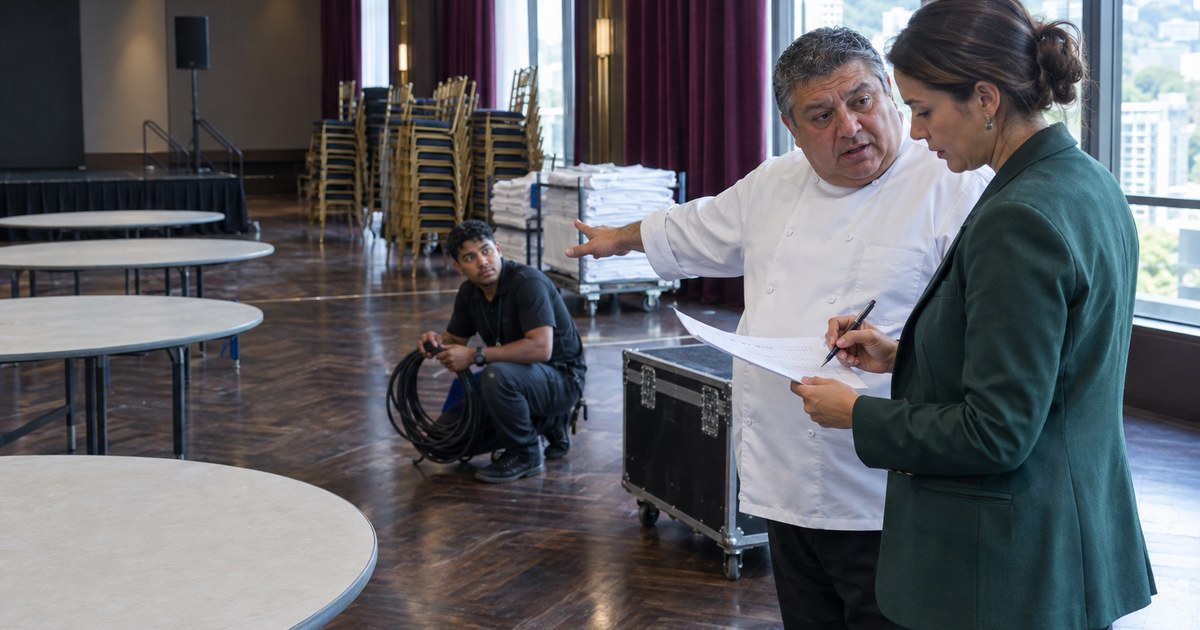
A CRM for corporate event companies keeps the brief, the approved quote, every client change and what was promised to each supplier in that client's account, with an owner and a date, all the way to the final invoice. A last-minute change then gets decided and charged for before anyone carries it out. Ticket sales, attendee registration and floor plans stay in their own tools.
Picture an insurance company's annual convention. Two weeks out, the marketing manager calls the account executive: 220 people instead of 150, and she wants the closing session streamed. He says yes. The producer hears about it on WhatsApp the next day, the caterer is still confirmed for 150, nobody asks the audio supplier what streaming costs, and the final settlement goes out at the original quote's price. The page on CRM for corporate event companies covers the whole cycle; here we follow that one change from the phone call to the invoice.
A CRM for event companies: from the first email to the quote
An event request usually arrives as an email or a call, often before any client record exists. In the sales pipeline it comes in as an opportunity with an owner, an expected value and a next action, and you create the client when it is time to prepare the proposal.
You build the proposal from catalog lines or lines you type: venue, catering, technical production, coordination. Each line explains what it includes and what it leaves out, and the validity date warns you before it expires. Your client reads it through a link, with no account, and accepts it in the Client portal, where the decision is kept with their name and the date. The brief, the contract and the meeting minutes go on their record as files.
Each supplier, with a commitment and a date
AgentticCRM has no procurement module and no supplier record with orders and payments. Whatever depends on each supplier goes as tasks inside the event's project, connected to the client.
The project is split into phases with dates and a person in charge, for example pre-production, supplier confirmation, event day and closeout. Each task has an owner and a due date, like confirming the cover count with the caterer or paying the venue's second installment. Each task's comments hold what the supplier said, with their email or quote attached, and only your team reads them unless you choose to show one to the client.
A phase with a blocked task shows as blocked even when everything else is done, so an unconfirmed supplier doesn't pass as "almost ready". The dates also appear on the calendar, and when you mark the project as at risk, the main Dashboard shows it.
When the client changes something two weeks before the event
What was accepted doesn't get rewritten, so the insurer's account executive duplicates the proposal and gets a new draft with its lines and prices. There he adjusts the covers and adds the streaming at the cost the audio supplier gave. If the manager accepts in the portal, that version sits next to the first one, with its date.
Meanwhile, the producer creates one task for each affected supplier: caterer, venue, audio, transport. Anything still needed from the client, like the final guest list, is assigned to a person at their company as a task. They get an email with a link to confirm it even without a portal account, and when they answer, the task closes.
Deposit, expenses and final settlement
If you agree on a deposit, you can issue an invoice for that amount and another at closeout, or keep a single one and record partial payments. The balance updates with each payment you record. If the final figure drops, you correct it with a credit note and the original invoice stays as it was.
What you paid for the event goes into Expenses with the supplier, their tax ID, the receipt number, the client and the project. If the client owes it, you tick the billable box and the amount waits for their next invoice. The article on rebillable expenses walks through that path. You keep paying suppliers wherever you pay them today; this holds the record of what went out and which event it belongs to. Profitability, on the client's record, shows what was invoiced, collected and pending, the expenses and the net for that account.
What to save at closeout for next year's event
What you agree at the closeout meeting goes in a dated note on the record: which supplier failed and which venue not to repeat, along with what the client asked to change. If the event is annual, a task that repeats every year and is linked to the client reminds you in time, and duplicating the last accepted proposal starts the new one with the lines you already had. The path from approved proposal to invoice is covered in from proposal to payment without switching programs.
Frequently asked questions
Can it sell tickets or register attendees?
No. AgentticCRM doesn't do ticket sales, registration, check-in, venue inventory, floor plans, show cueing or supplier procurement. It handles the client, the proposal, the project and the billing around those tools.
Can I use it during setup, from my phone?
It is designed for desktop browsers, so plan at the office and log changes when you get back from setup. The day's run of show stays in the tool or document your production team uses.
Can suppliers log in to the CRM?
The Client portal is for your clients, and each person with access sees their own company's items. You work with suppliers through your usual channels and note what you agreed in the task.