
CRM for service businesses
AV producers and integrators: changes on the record
How to put on record the change a client asks for after the first cut or the installation, before you promise a date.
A CRM for audiovisual production companies and AV integrators keeps the client, budget, milestones, approvals and changes in one record, linked to the invoice. It earns its keep when the client asks for something late: a second version, another usage territory, one more screen in the room. If the approved version and the new request are both on record, the team can scope the extra work before promising a date.
Think of a production company delivering the first cut of a campaign. The client approves it on a call and, two days later, asks for the same piece in another language and for another country. The producer says yes over WhatsApp, the editor hears about it in the hallway, and finance bills what the original proposal said. When the argument about price arrives, nobody has at hand which version was approved or when the change was requested.
Where an audiovisual project goes off course
A production schedule is rigid at some points and elastic at others. Pre-production gets compressed, shoot dates are fixed and review cuts arrive in stages. A late creative or usage change moves crew, schedule, cost and dates all at once. Without a visible record of the decision, the production company absorbs the cost.
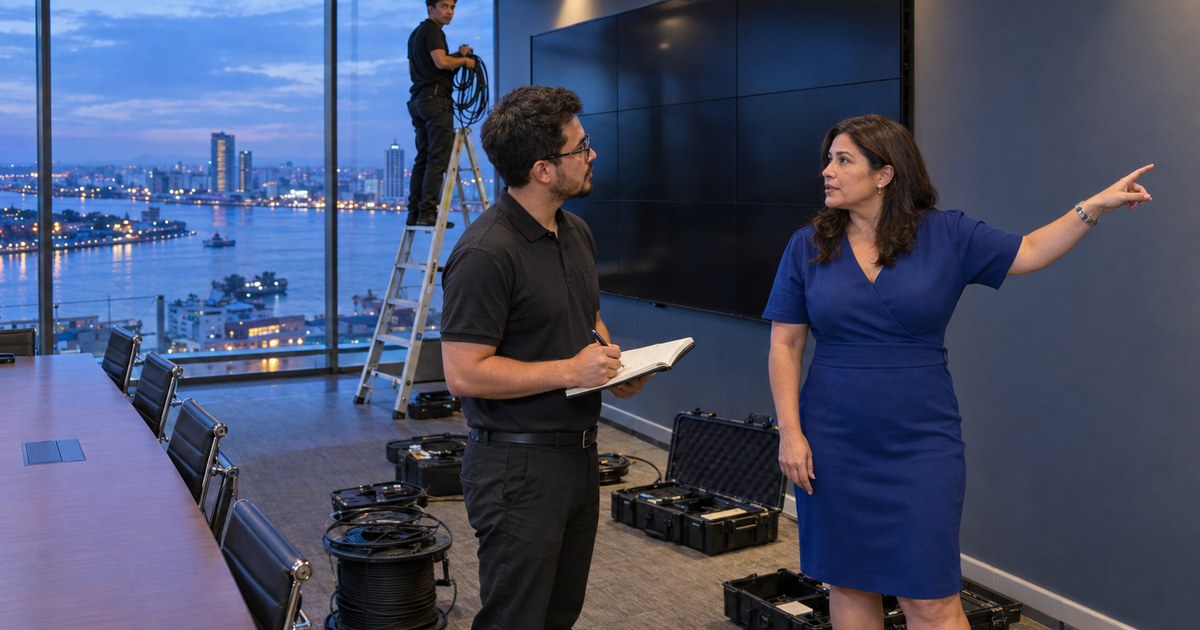
AV integrators see something similar under different names. The proposal covered a meeting room with a video conferencing system, and during installation the client asks to add the room next door. The technician handles it on site and the commercial conversation is left pending.
Milestone budgeting, starting from the proposal
Order starts before the shoot. In Proposals you build the offer from your catalog services or free lines, each with its quantity, unit and price, and a formatted description to explain what is included and what is not. That description is useful in audiovisual work: "two review rounds" or "use in one territory" written on the line heads off arguments later.
The client accepts or rejects it in their portal, and the decision is kept with their name, the date and the version they approved. An accepted proposal is preserved as is: nobody rewrites what the client approved. It becomes an invoice with the same lines, taxes and discount.
The review cut as a client task
Many projects stall waiting on the client: notes on a cut, an approval or some material. In Projects you organize the production in phases, such as pre-production, shoot, post-production and delivery, each with dates and an owner. Reviewing a cut can be assigned as a task to a person on the client's side. They get a notice in their portal and an email with a link to confirm it, even without an account, and when they answer, the task closes.
Internal task comments, logged time, the budget and your rate stay with your team. In their portal the client sees the progress of the phases and whatever you marked as visible.
When the client asks for more after approving
When the second language version comes in, the orderly path has three steps. You record the request, scope the added work and only then give a date. In AgentticCRM you duplicate the accepted proposal and get a new draft with its lines for the next round, while the original stays intact. The client accepts that new scope in their portal and the production company bills each part separately.
Costs the change causes, such as a voice-over artist or an extra day from a contractor, are recorded in Expenses with the client and the project. If you mark them billable, they wait for that client's next invoice as one more line.
AV integrators: installation ends, support begins
For an integrator, delivery opens another stage: equipment that will not turn on, a user who cannot share a screen, the agreed maintenance. Support tickets link to the affected project and service, so the call from room three arrives with everything installed there. If this kind of work is most of your operation, the CRM for installation and maintenance page covers it in more detail. And so the change proposal does not go unanswered, review when to write again.
What the CRM does not replace in a production company
The AgentticCRM page for audiovisual production companies is explicit about this. The CRM connects the commercial, production, review and billing record. It is not a media asset manager, an editing suite, a rights-clearance database, a call-sheet system, a storage archive or a production scheduling engine. Those tools keep working alongside it.
Frequently asked questions
Can I bill by production milestones?
Yes. You can create the invoice from the project with the billable tasks, their time and their rate, or turn the accepted proposal into an invoice with the same lines. You decide when to bill each stage.
Can the client see the footage in the CRM?
They see the progress of the phases and the files you share in their portal, and they can send you the ones you ask for. The CRM does not replace the platform where you review video material.
Does it work for a small production company?
It works once there are several clients with projects, budgets and invoices to follow at the same time. Each plan's limits are on the pricing page.